Formats
PLT vs DXF for sewing patterns
Both formats can carry vector pattern lines, but they come from different workflows. The useful choice is the one that preserves the geometry and units needed by your next tool.
Before you start
- The source file extension and its originating software
- A known physical measurement from the pattern
- The format accepted by the next printer, CAD tool, or cutter
Step-by-step
- 01
Identify the source
PLT, HPGL, and HPG usually describe plotting commands. DXF is a CAD exchange format with units and entity types that vary by exporter.
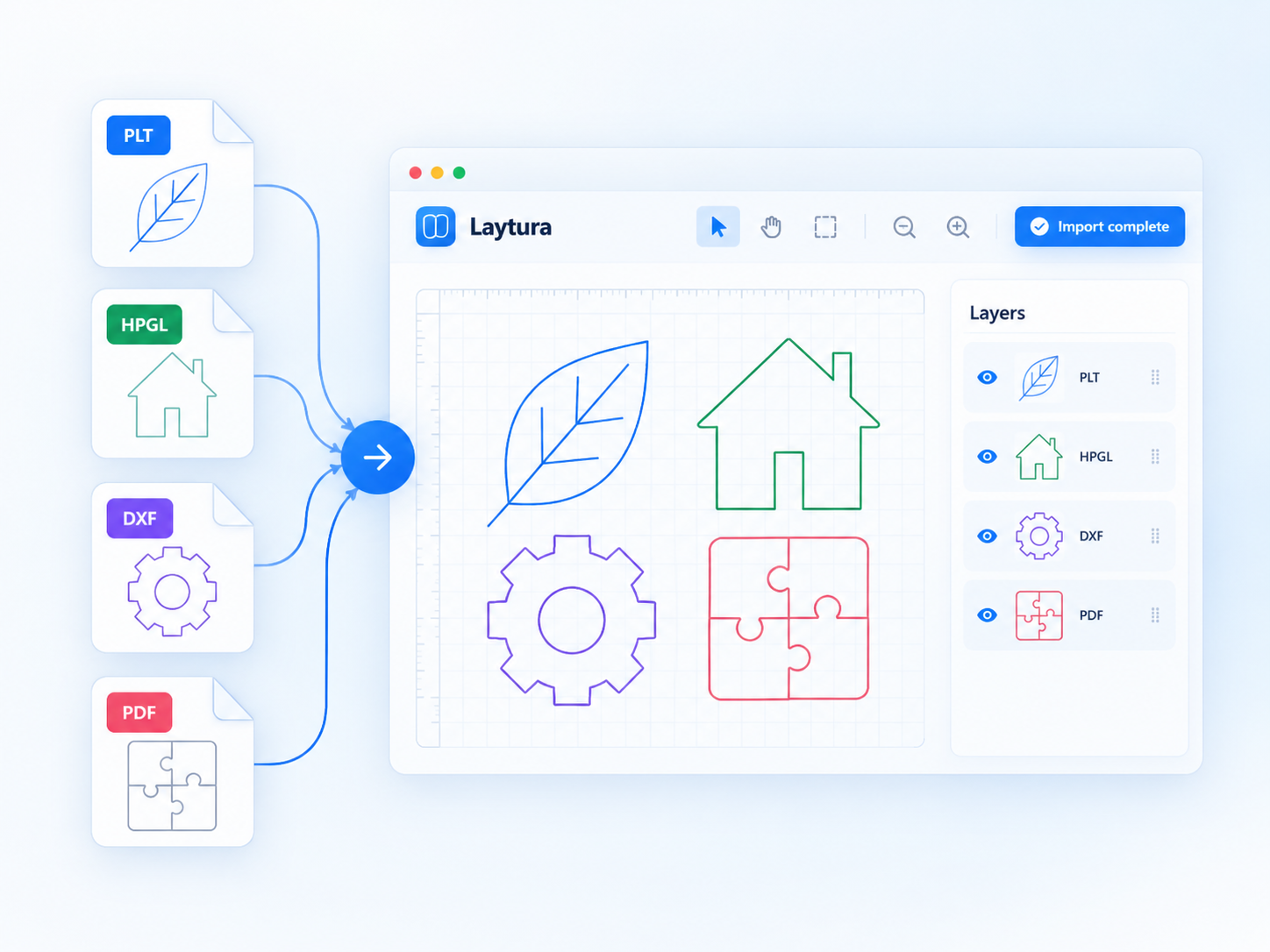
Static preview—ready for a future product clip - 02
Open and verify dimensions
Do not trust the extension alone. Compare a known dimension with Laytura’s reading and review import diagnostics.
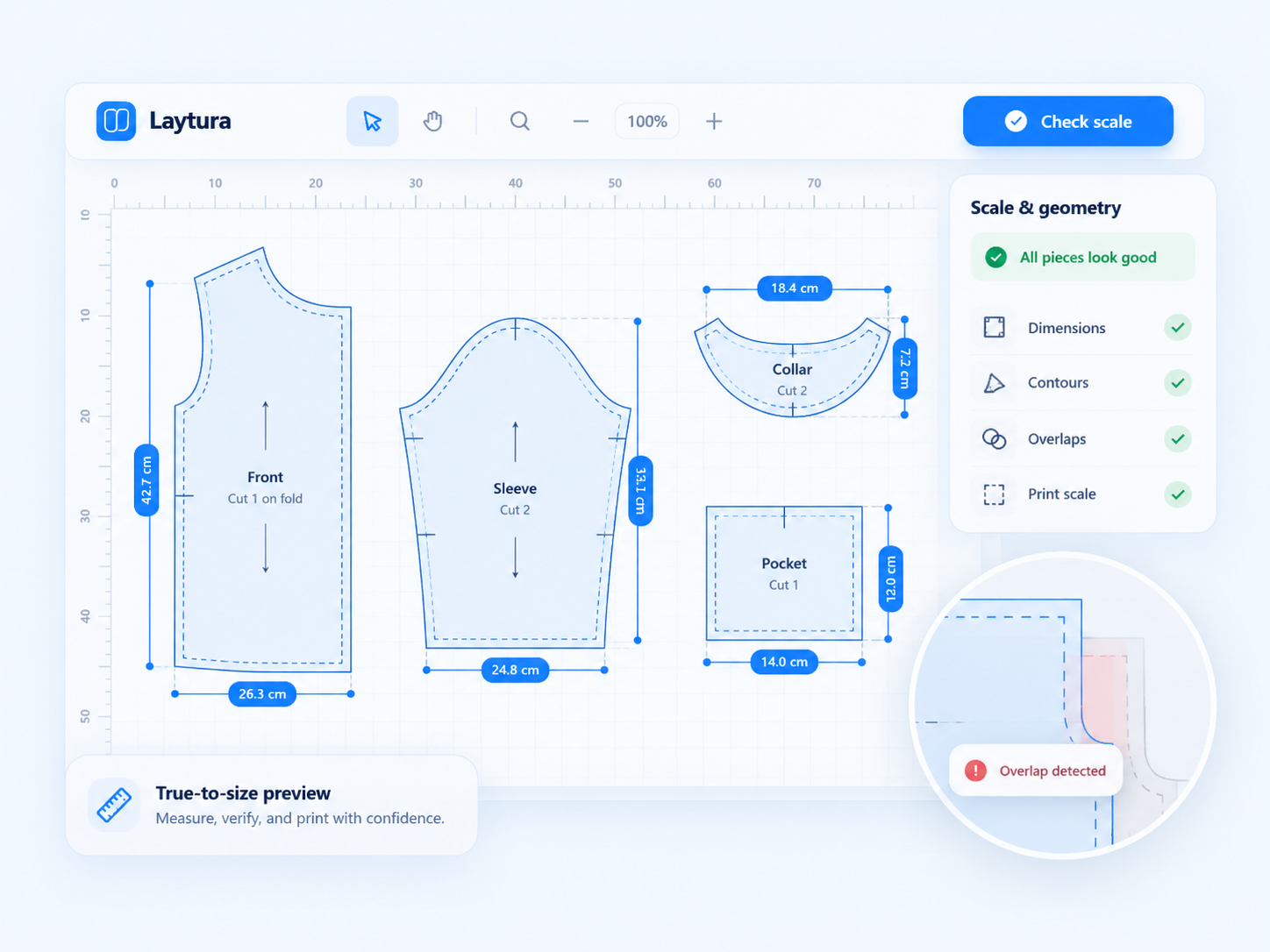
Static preview—ready for a future product clip - 03
Choose the output for the next step
Use tiled PDF for home printing, full-size SVG or DXF for compatible editing tools, and PLT / HPGL when the downstream plotting workflow expects it.
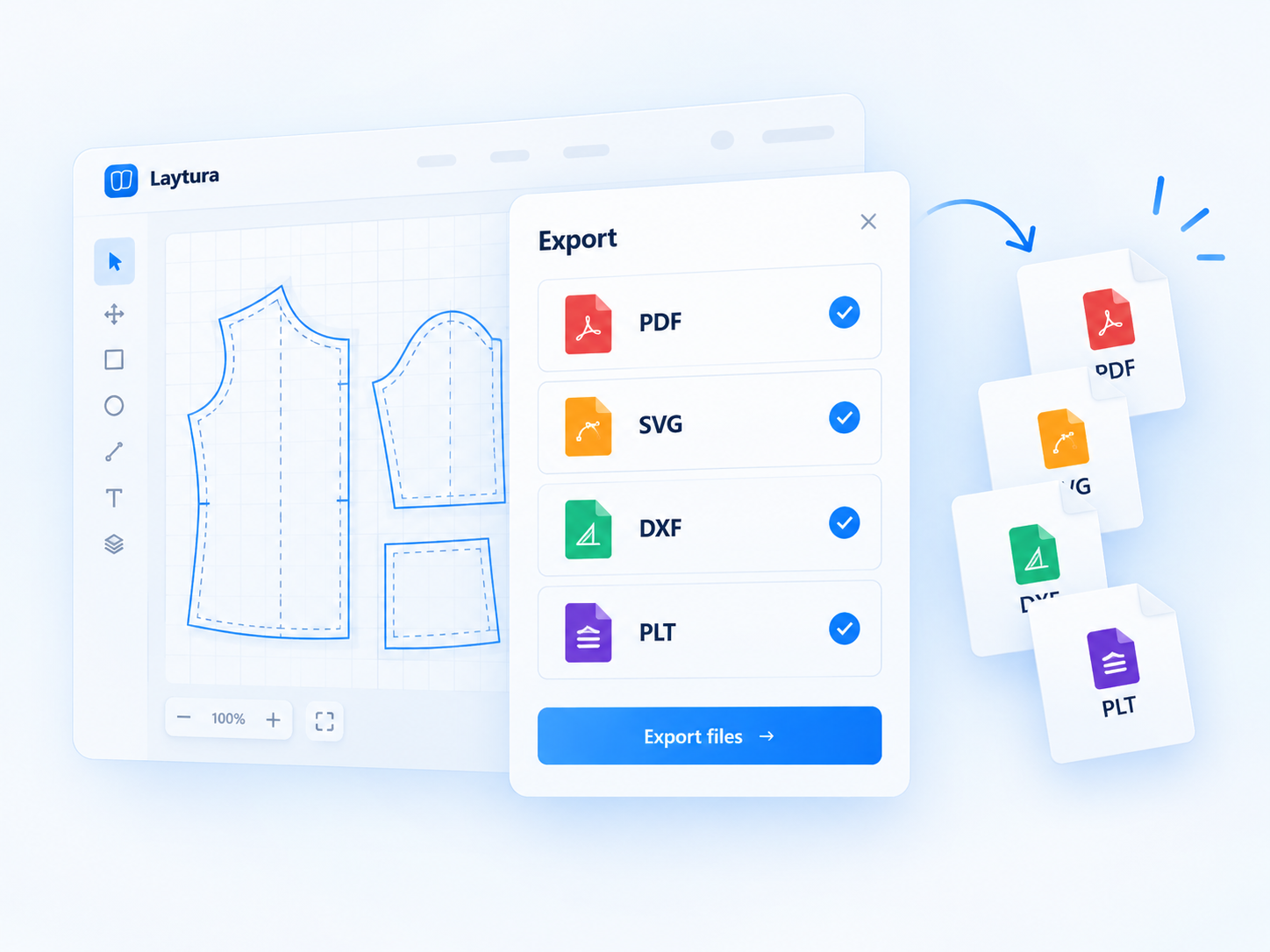
Static preview—ready for a future product clip
Common mistakes
- Assuming every DXF uses millimetres
- Choosing PLT because it looks simpler without checking downstream support
- Treating conversion as proof that all labels or non-vector content survived
Expected result
A format choice based on verified dimensions and the requirements of the next tool.