PLT, DXF and vector PDF•No installation•Works in your browser
Pattern files made printable.
Open a sewing pattern, arrange the pieces, and prepare accurate pages for a home printer or copy shop.
- No installation
- Responsive workspace
- Files stay on your device
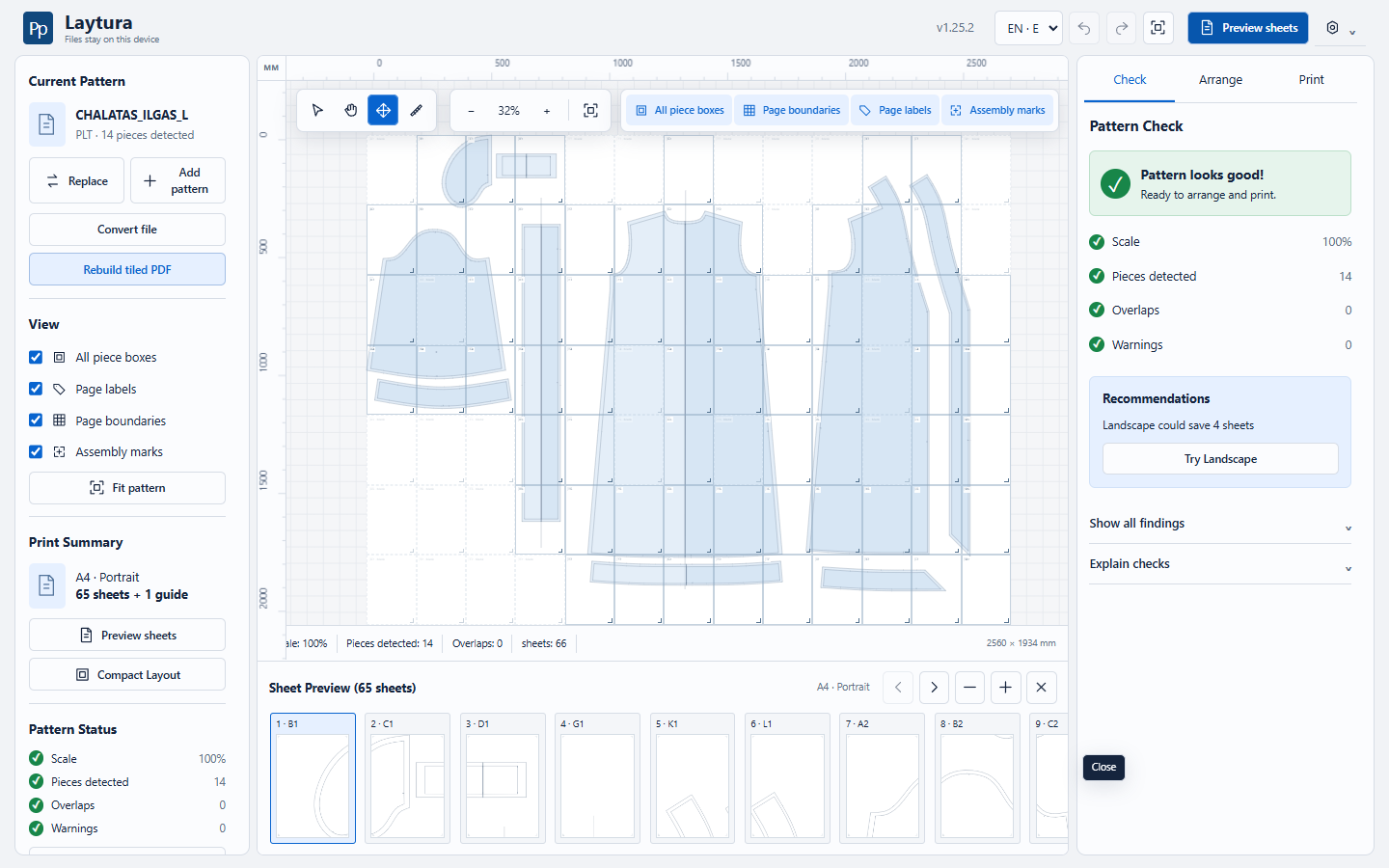
Pattern readyPieces detected and ready to arrange
Before / after
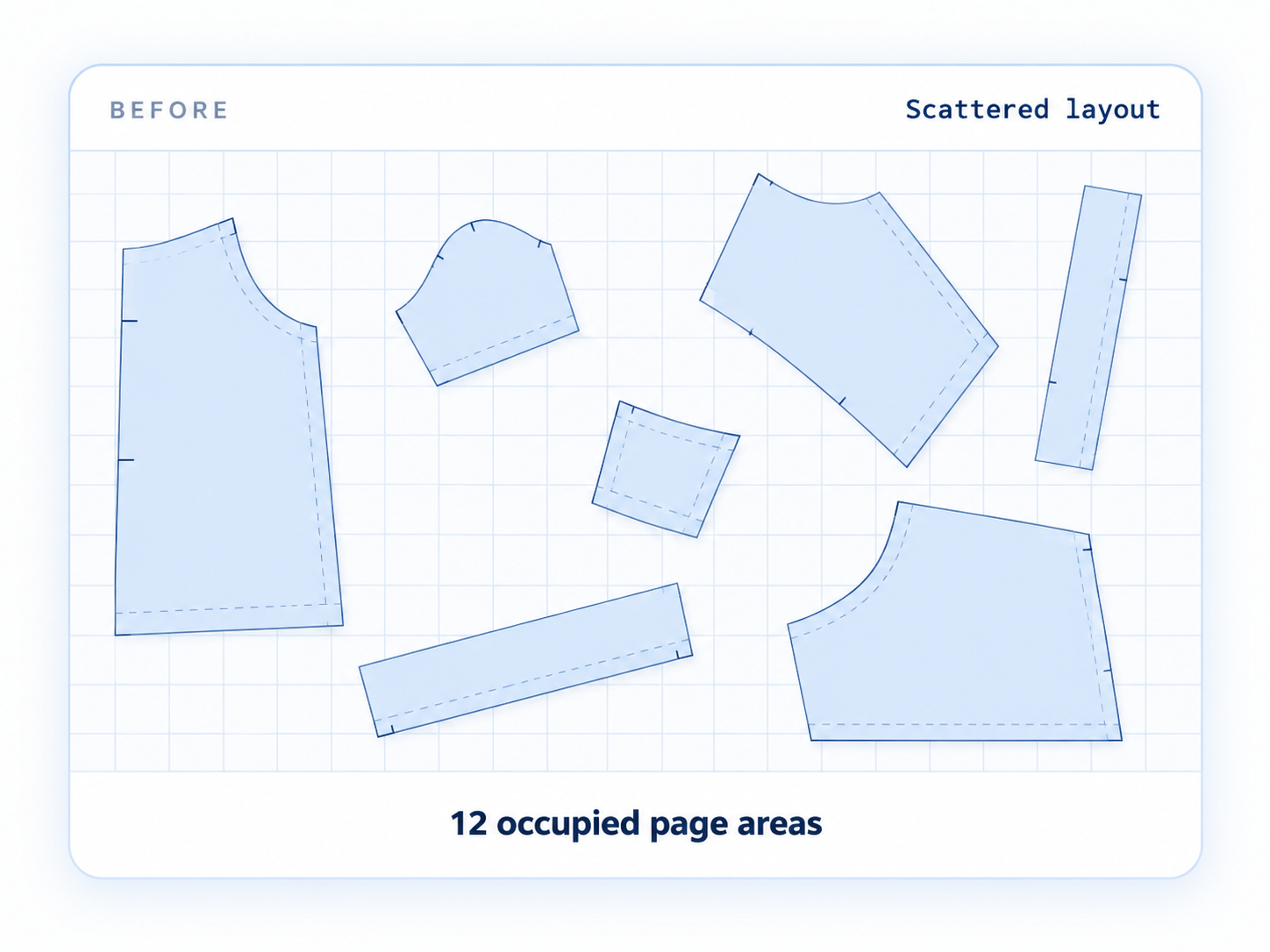
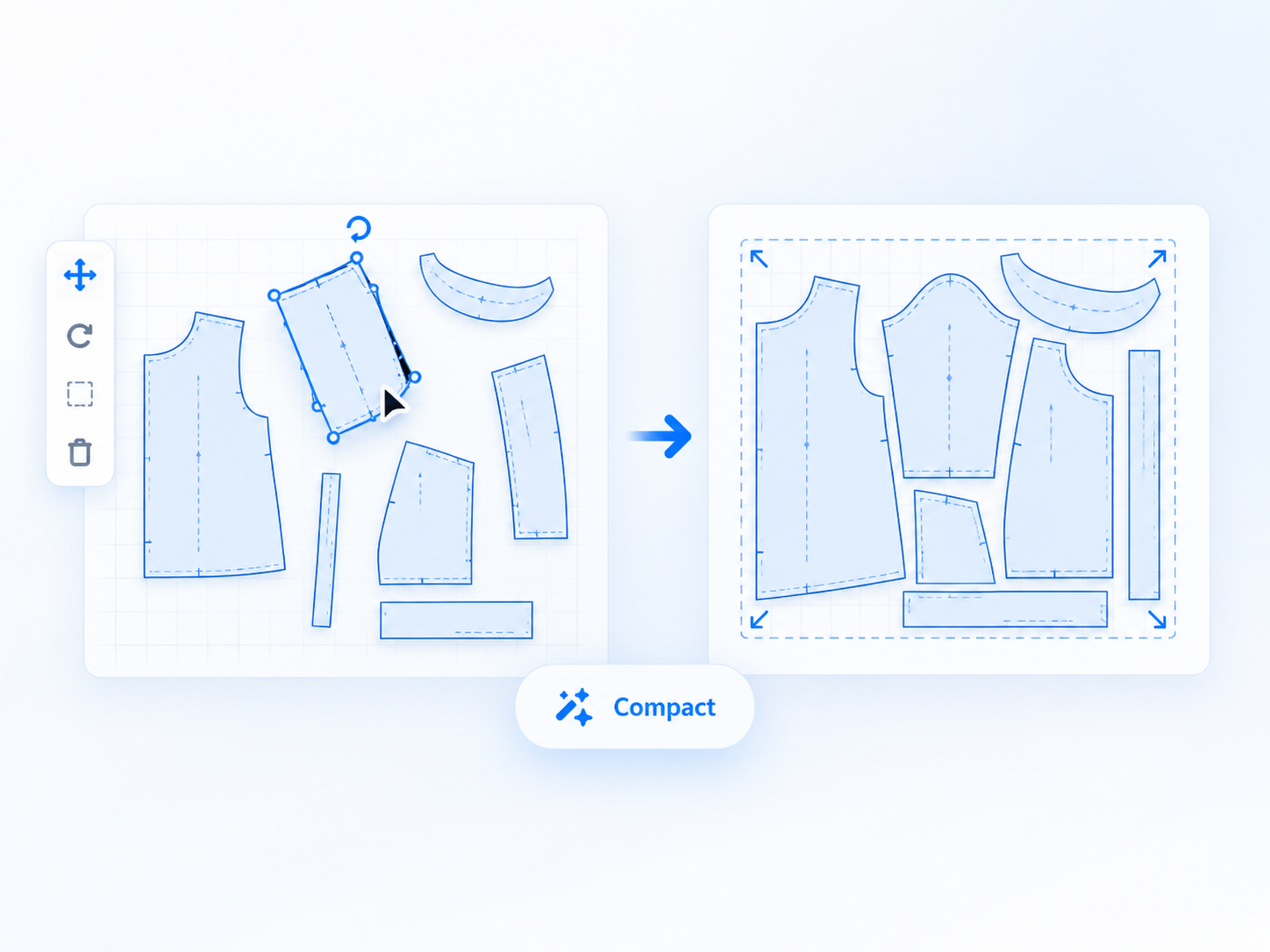
Same pattern. A more practical layout.
See how scattered pieces can be reorganized into a compact print plan. The page-area counts shown are an illustrative example; results depend on the pattern, paper, and settings.
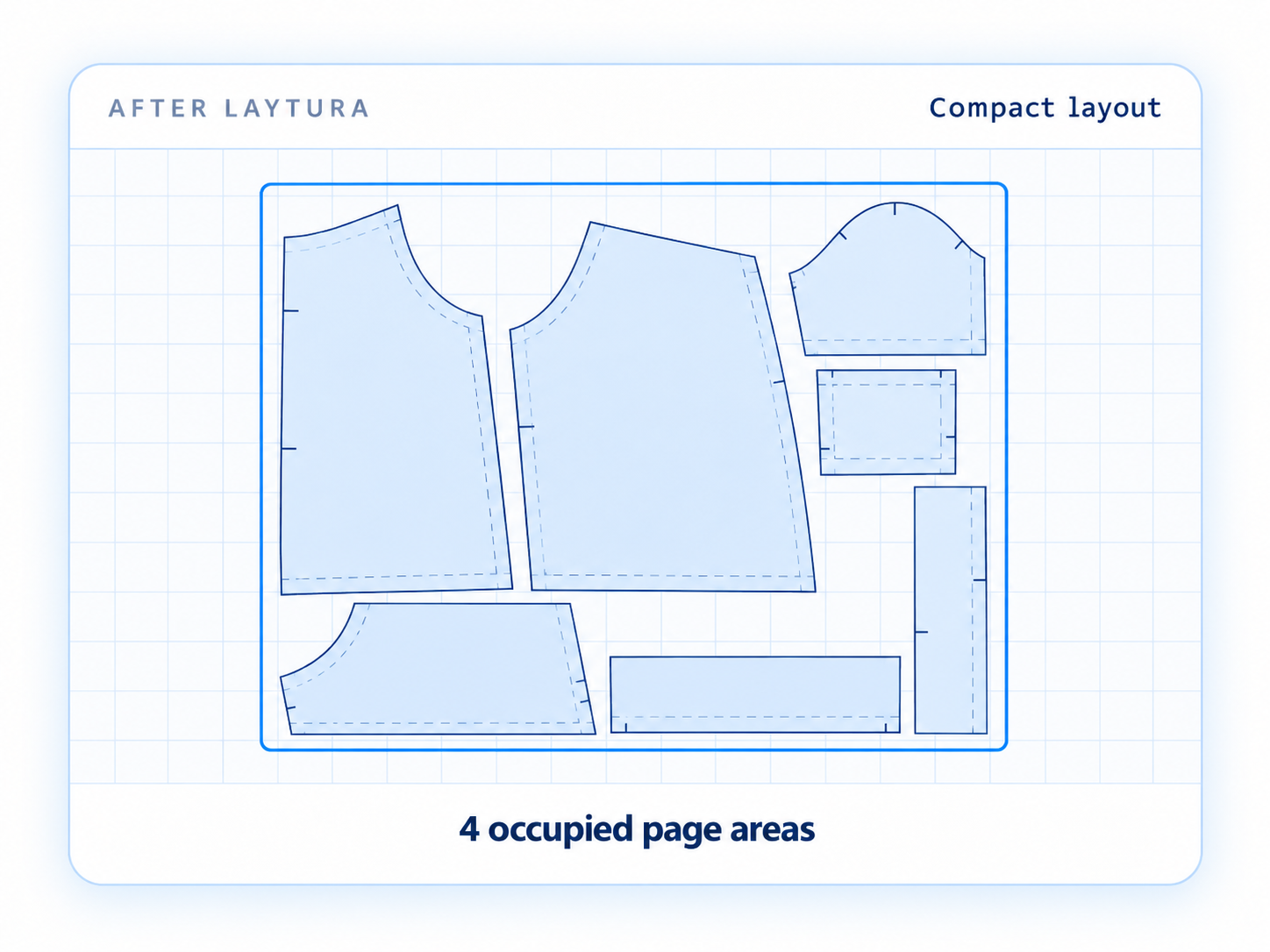
Illustrative example
Compact without losing control.
- Use less paper when geometry allows
- Keep the chosen physical scale
- Preview page boundaries before export
- Undo the applied layout if needed
Four core capabilities
From detected pieces to printable pages.
Laytura keeps the essential workflow in one visual workspace.
01Detect
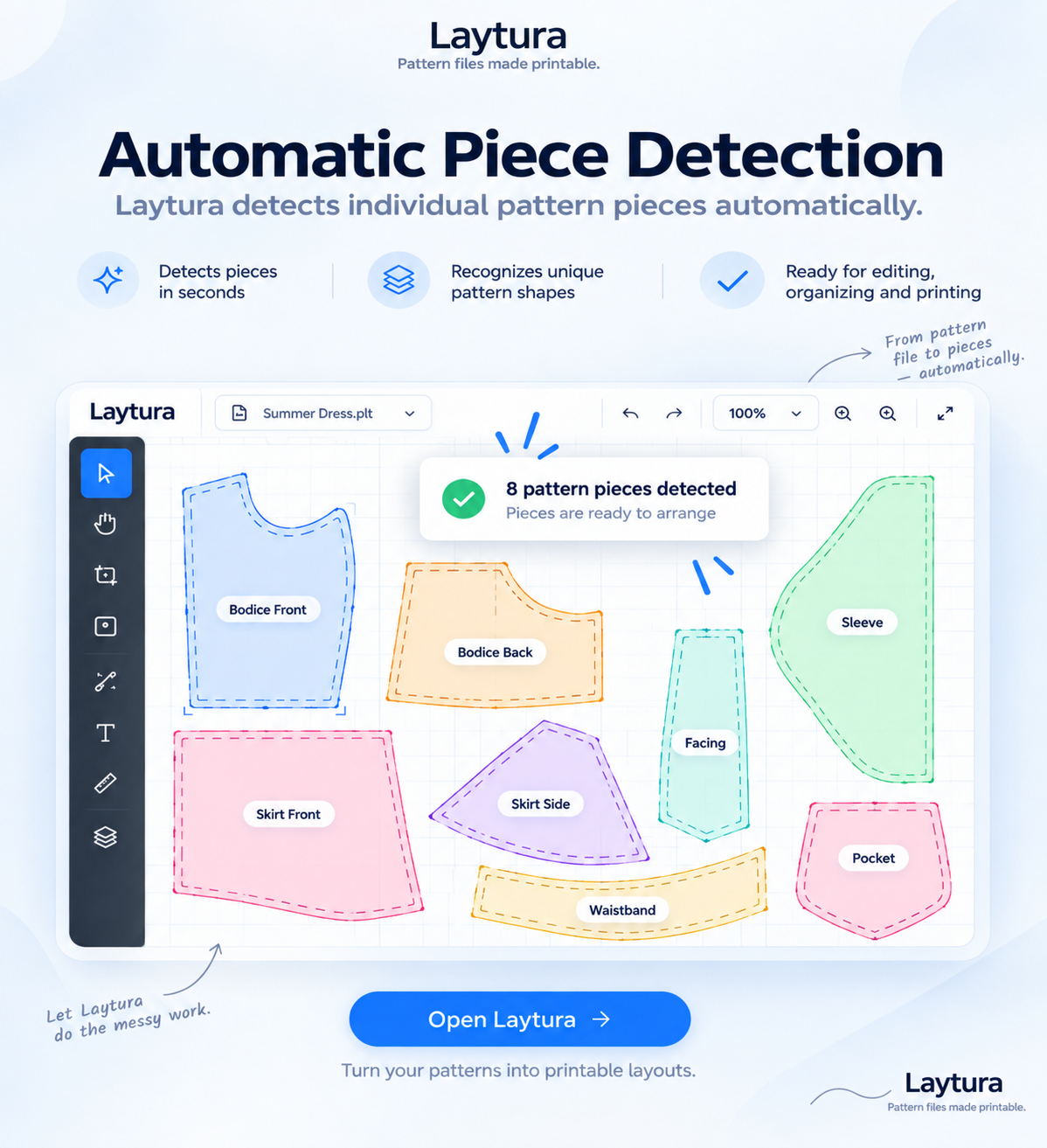
Automatic Piece Detection
Laytura separates supported pattern geometry into pieces you can inspect and arrange.
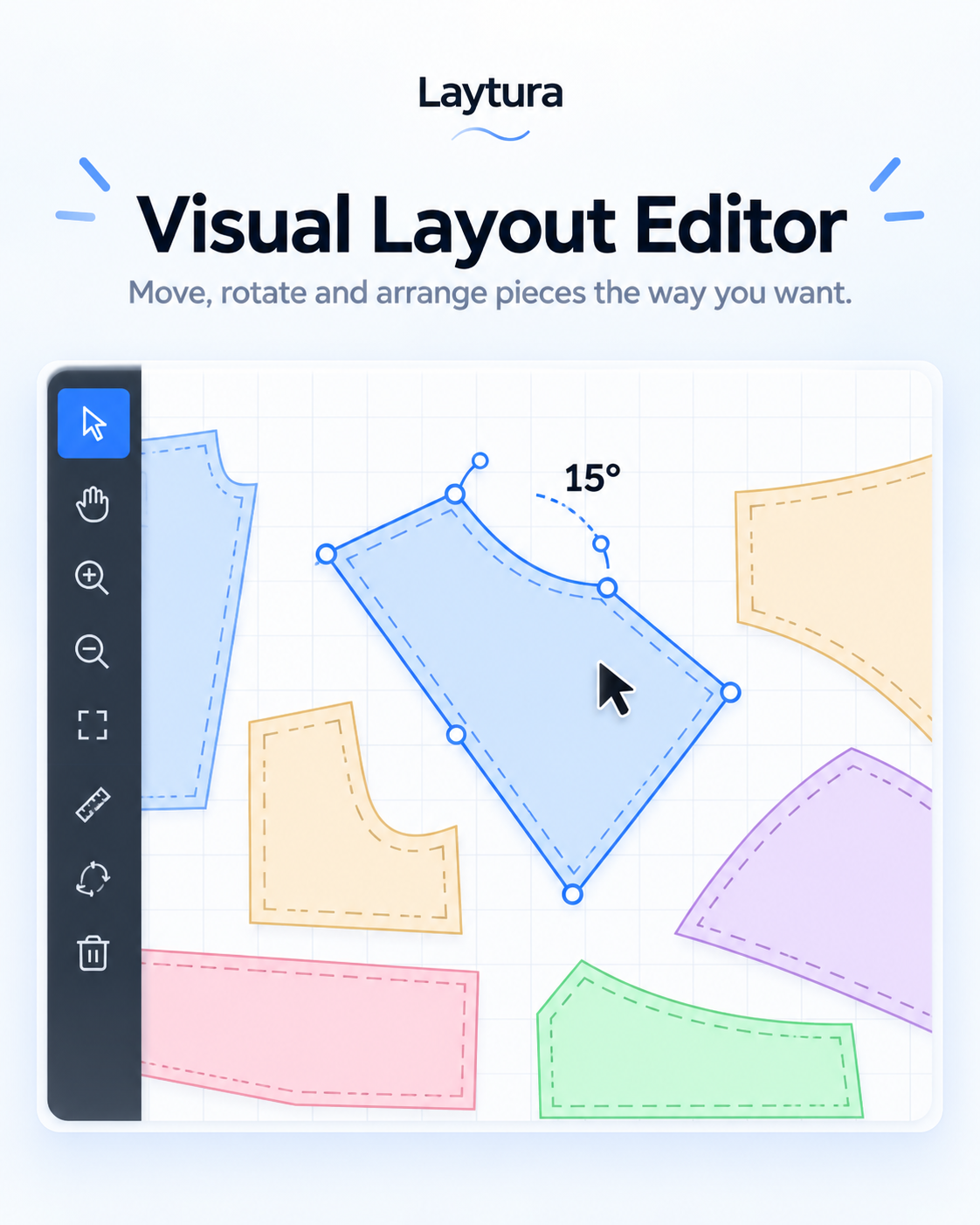
02Arrange
Visual Layout Editor
Select, move, rotate, and position pieces directly on the workspace.
03Optimize
Smart Layout Optimization
Try a more compact arrangement, review the result, and keep or undo it.
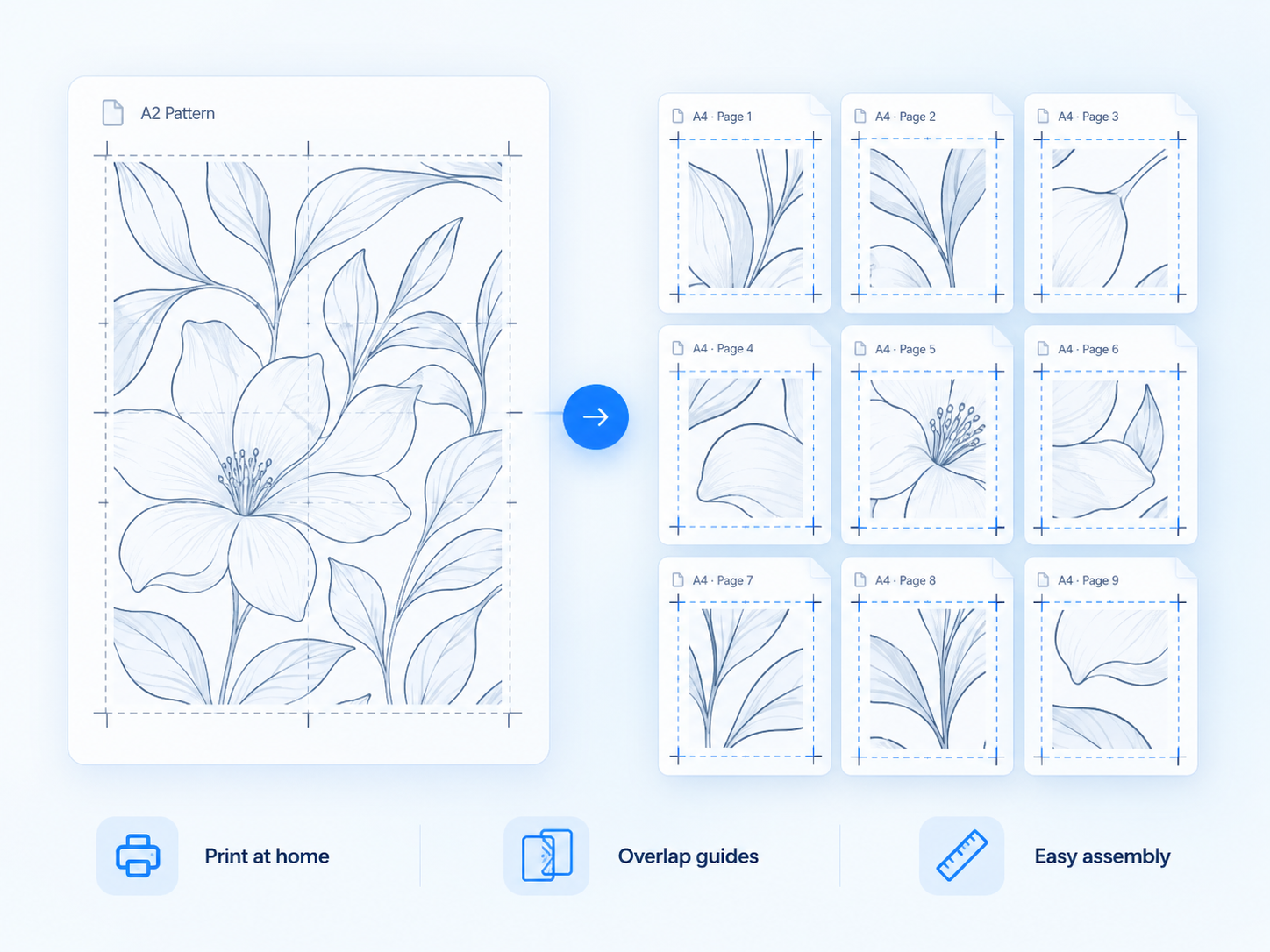
04Print
Printable Page Layouts
Choose paper and preview page boundaries, overlap, labels, and assembly guides.
How it works
Five visible steps. One checked result.
Open the file, check what Laytura found, arrange the pieces, prepare the pages, and export only after reviewing the preview.
OpenCheckArrangePrepareExport
See how it works Control stays with you
Private by design. Checked before print.
Local processing
Imported pattern files are processed in your browser rather than uploaded by the marketing site.
Scale stays visible
The workspace defaults to 100%. Print and measure the scale check before cutting.
Review before export
Automatic detection and optimization remain visible and reversible.
Start with your problem
Choose the workflow that matches your file.
Each guide focuses on one practical result.
Ready when your pattern is
Make your pattern printable.
Open a pattern, check the scale, and preview the result before using paper.